The open web, in your language, read aloud.
Open any page. Reader strips the clutter, translates it, and reads it back to you — chapter after chapter.
Auto-detected source · 59 target languages · Free to start
Illustrative example — not text from any book.
Animated demonstration: a sentence in Chinese, Japanese, Korean, or Spanish is translated into English, then read aloud with each word highlighted as it's spoken.
How it works
Open a page. Translate it. Listen.
Three steps, no accounts to fill out and no chapters to copy-paste anywhere.
Open any page
Browse the open web inside Reader, or share a link into it from any app.
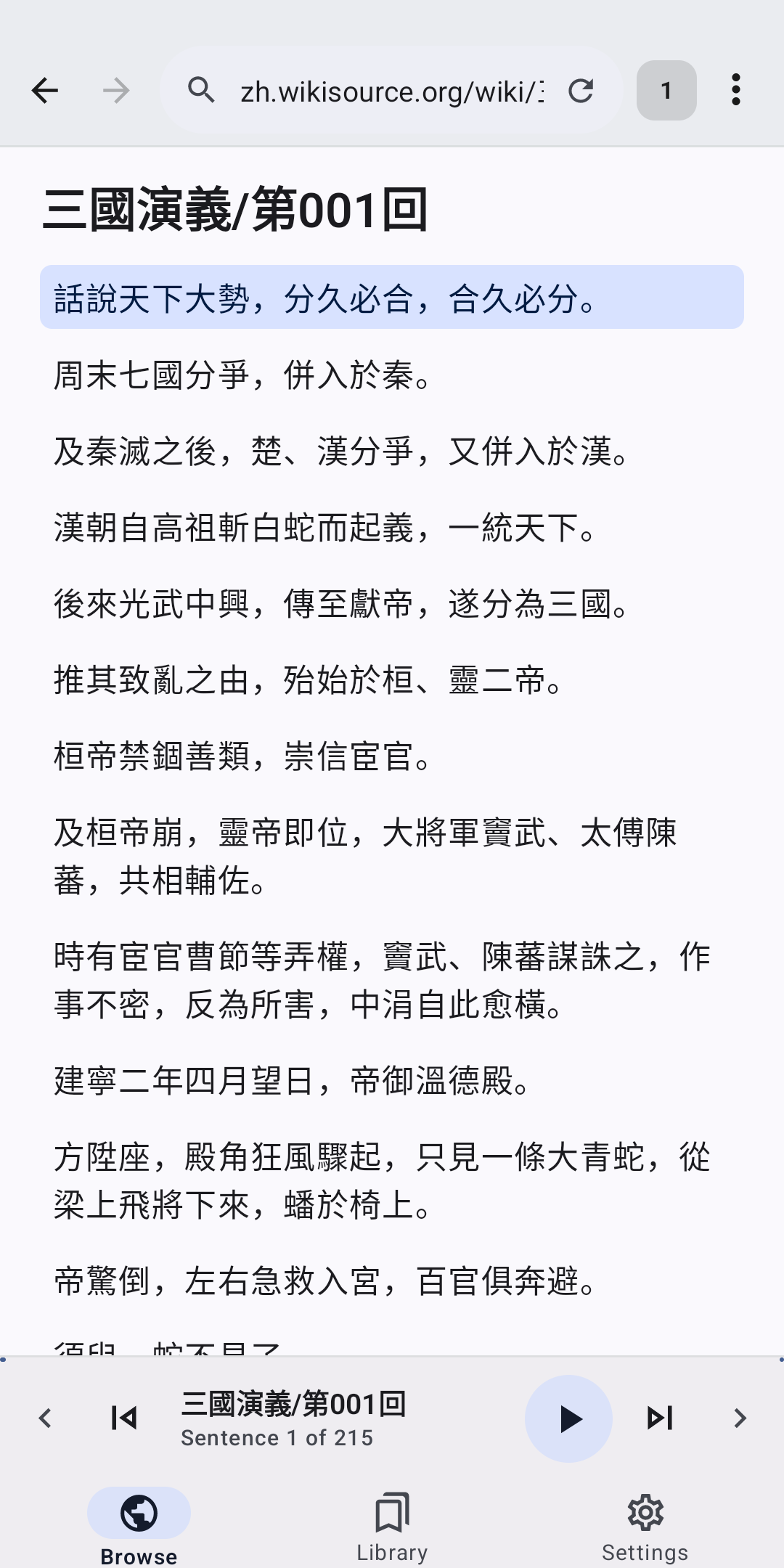
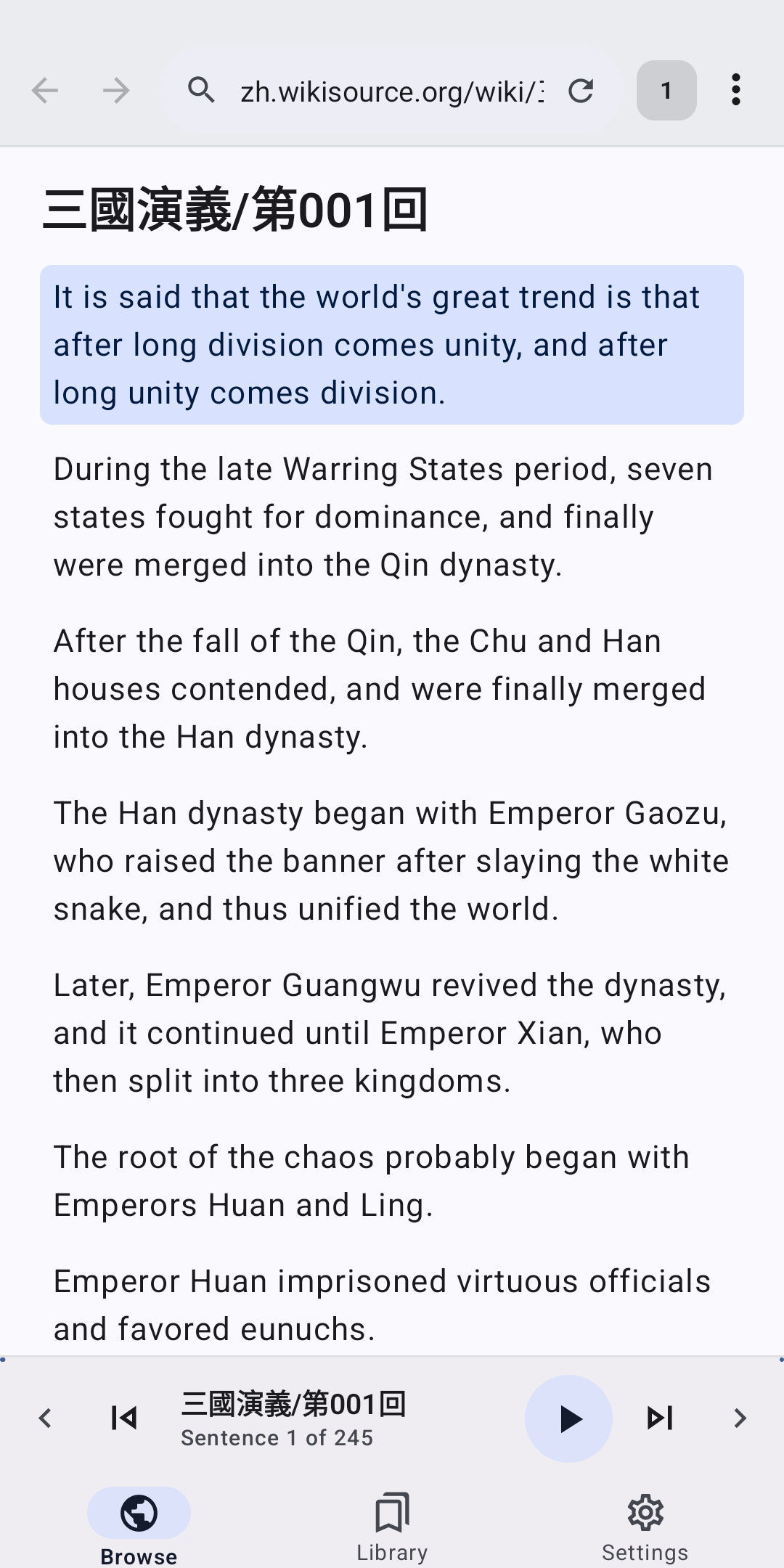
Translate & clean it up
Reader mode strips ads and clutter; translation runs on the fly, into your language.
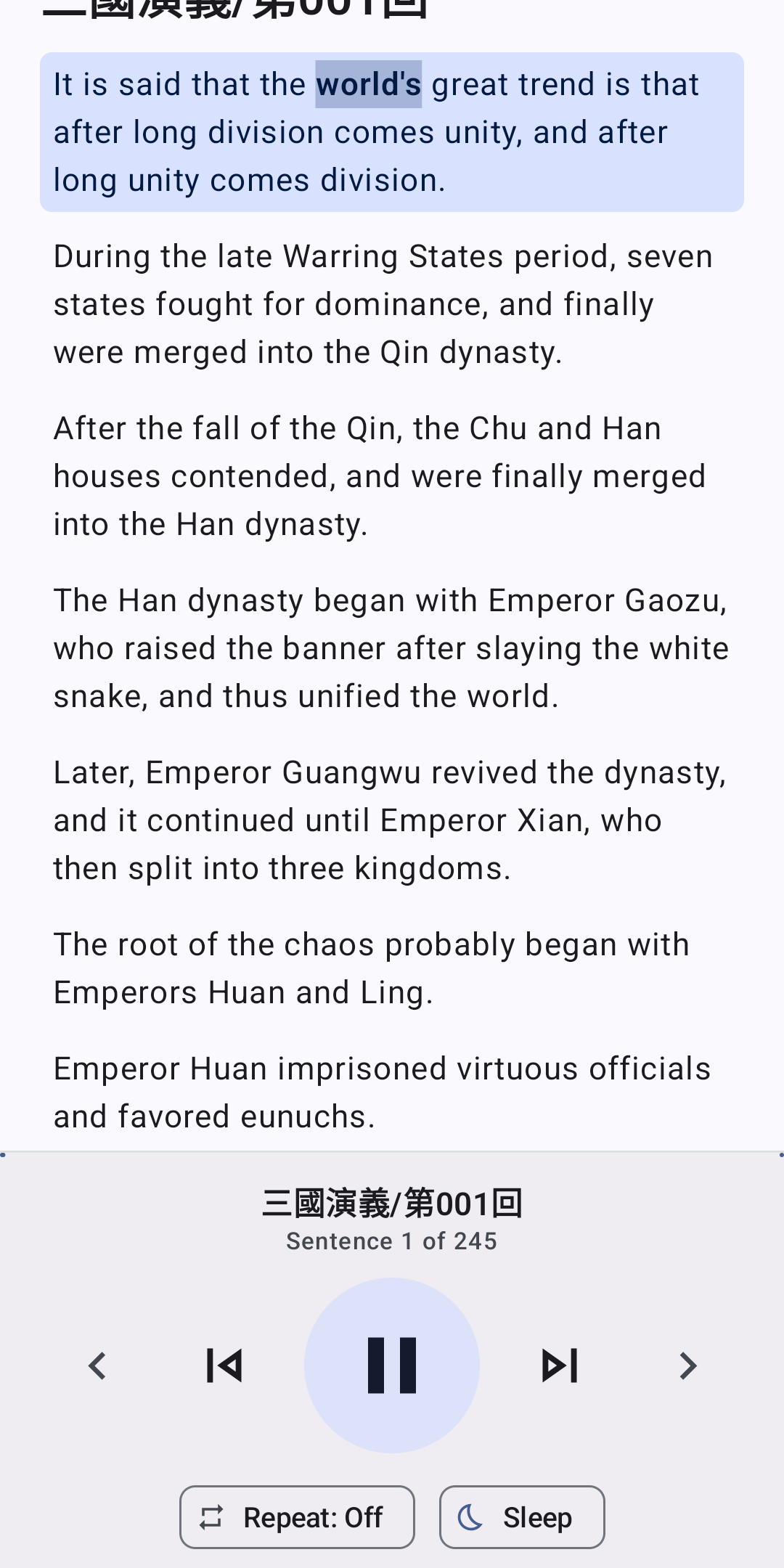
Listen, hands-free
Sentence-by-sentence read-aloud with on-screen highlighting, background playback included.
See it in action
Thirty seconds. The whole idea.
From a cluttered page in a language you don't read to hands-free, chapter after chapter.
Languages
It doesn't matter what language you found it in.
Reader+
Chapter ends. The next one starts. You never touch the screen.
Auto-advance keeps translating and reading into the next chapter or article automatically, with background pre-translation so there's no pause between them.
Reader mode
No ads. No pop-ups. Just the words.
Reader mode extracts just the article text — comfortable typography, light and dark themes, and a library to pick up right where you left off.
Private & transparent
What stays on your phone, and what doesn't.
Your browsing history, bookmarks, reading list, and settings stay on your device — they're never sent to us.
On-device translation runs locally and never leaves your phone.
Translations are AI-generated and can be wrong. Every translated page has a "Report translation" option, right where you're reading.
A closer look
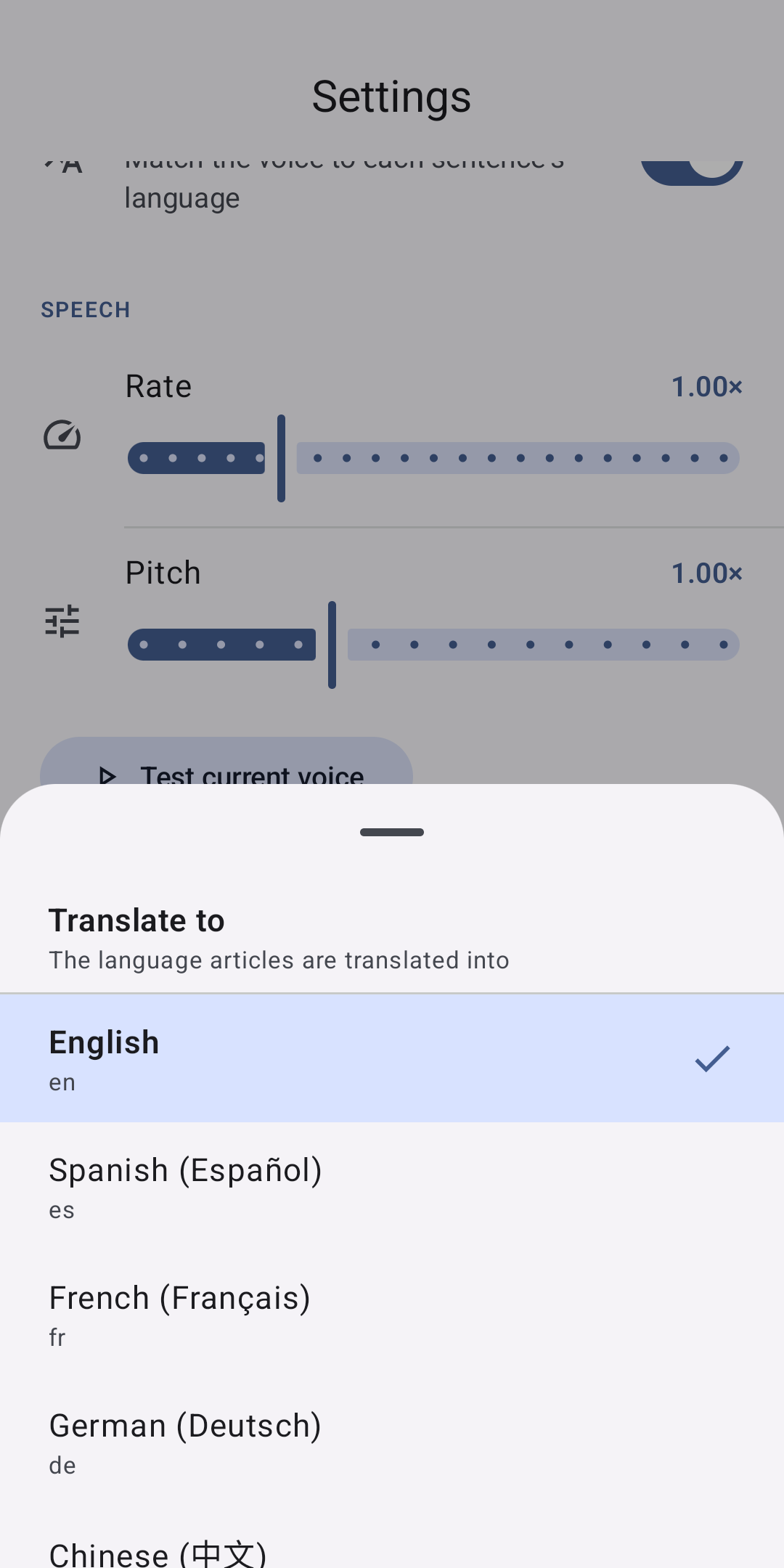
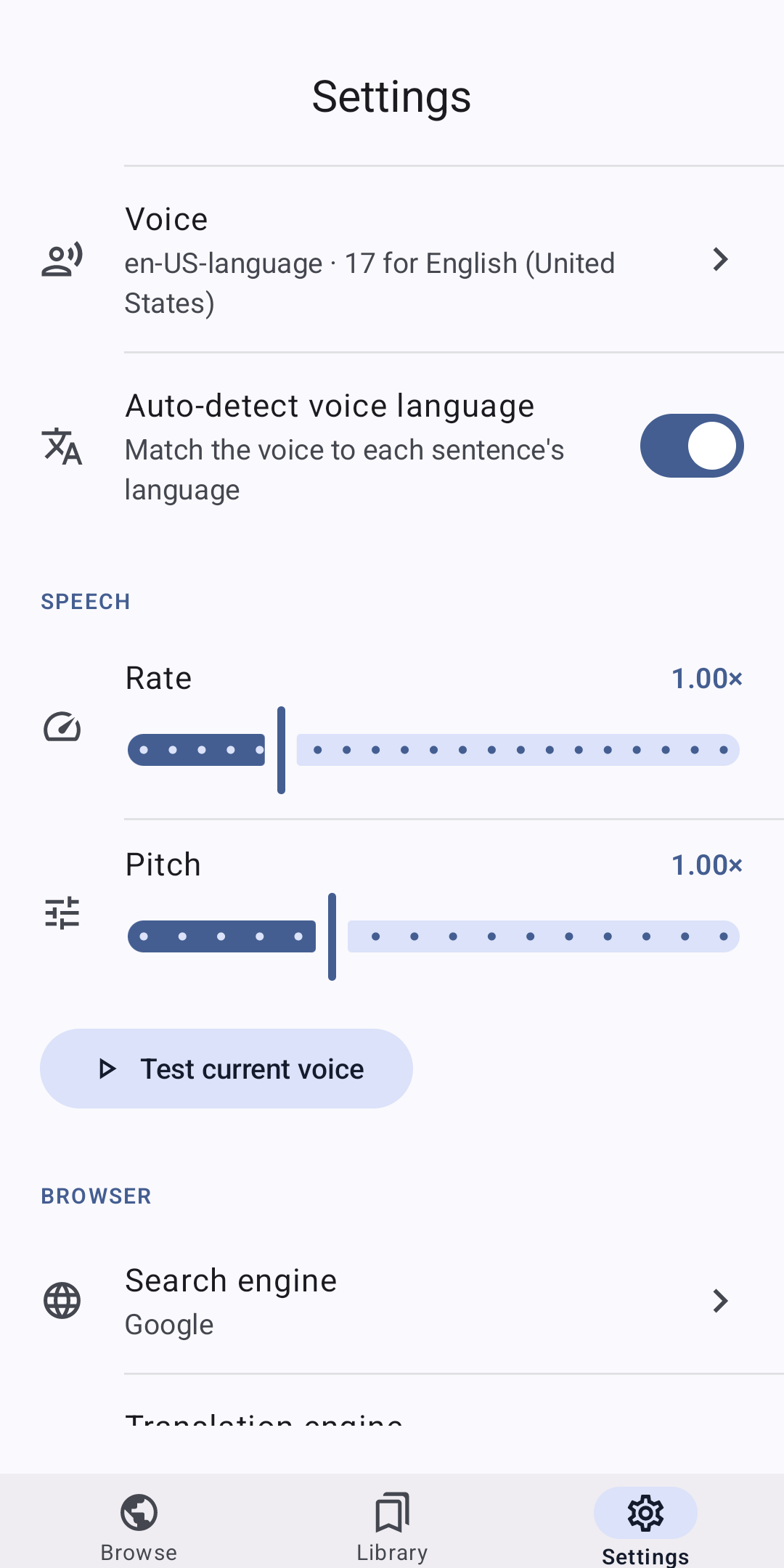
Reader, in five screens
Pricing
Free to start. Reader+ when you want more.
Free
$0 forever
- Browse the web in Reader's browser
- Read-aloud with your device's built-in voices
- On-device translation
- Manual chapter navigation
- Ad-supported
Free trial
Reader+
$5.99 / month
or $39.99 / year
- Unlimited high-quality AI translation
- Clean reader mode
- Ad-free, with an on-page ad-blocker
- Auto-advance "binge" mode
New installs get a one-time free trial of Reader+ with a capped amount of AI translation — enough to binge a good stretch of chapters. Limits and eligibility are shown in the app. Subscriptions renew automatically until cancelled; manage or cancel anytime in Google Play → Subscriptions.
FAQ
Questions worth answering upfront
How does translation actually work?
Reader auto-detects the source language of whatever page you open and translates it into one of 59 target languages. Free on-device translation and Google-web translation are built in; Reader+ adds a high-quality cloud AI engine for more fluent, readable results.
What is auto-advance / "binge mode"?
When you reach the end of a chapter or article, Reader automatically opens the next one and keeps reading and listening — no need to touch your screen. It's a Reader+ feature.
Is my reading history private?
Your browsing history, bookmarks, reading list, and settings stay on your device. On-device translation never leaves your phone either — see the full breakdown on the Privacy page.
How accurate are the AI translations, and what if one is wrong?
Translations are AI-generated and can contain errors, like any machine translation. Every translated page has a "Report translation" option that sends us the text so we can review it — see Support for details.
What's the difference between Free and Reader+?
Free gives you the browser, read-aloud with your device's own voices, on-device translation, and manual chapter navigation, supported by ads. Reader+ adds unlimited cloud AI translation, clean reader mode, an ad-free experience with an ad-blocker, and auto-advance.
How does the free trial and billing work?
Every new install is eligible for a one-time Reader+ trial with a capped amount of AI translation — no card required to start. Once you use up the trial's translation cap, you drop back to the free tier unless you subscribe. Reader+ itself is billed monthly or annually through Google Play and renews automatically until you cancel from Google Play → Subscriptions.
Is Reader on the Google Play Store?
Not yet — our Play Store organization verification is in progress. In the meantime, Reader is available as a direct APK download; see the Download page for the checksum, signing details, and install steps.
Does Reader work on any website?
Reader's reader mode and translation work on most article- and text-heavy pages across the open web. It's a general-purpose reading and translation tool — it doesn't host or distribute any third-party content itself.
Read anything. In your language. Out loud.
Free to start. New installs get a free Reader+ trial.
Download Reader